kv4p HT Android – Turn your ‘droid into a radio. Wut?
So I’m doomscrolling one night and I come across this thing: the kv4p Analog Radio for Android. My first thought when seeing the listing was that this was another PlayStore app that would promise to let you use your phone as a radio, then require you to purchase a subscription so you could, oh I don’t know, USE YOUR PHONE AS A RADIO? I was wrong. Very wrong. And I’m glad I was wrong. Before you start thinking that turning a phone into a radio is dumb, read on and hear me out. This is a nice piece of kit that for me has some very practical uses.
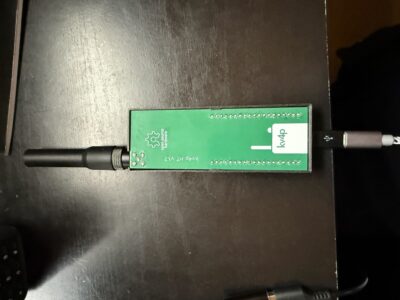
Let’s get what it actually is out of the way first. Quoting the brainchild behind it, the HT Android: “kv4p HT is a homebrew 1 watt radio available in VHF or UHF that plugs into your Android phone’s USB-C port, transforming it into a fully-featured handheld transceiver. Completely off-grid. Completely open source.” If you want to build your own, head on over to the webpage. Everything you need to know and buy is right there. I didn’t build mine, I bought it already built. Yeh, I know that is cheating. I don’t care. It was $36, I’ve spent more than that getting fast food for dinner that tasted like crap, so if this is crap, I’m on a roll. It is a custom ESP-based PCB with a stubby standard SMA antenna, a 3D printed case, one of those 3M 2-sided adhesive pads, and a USB-C to USB mini cable with a USB mini to USB-C adapter. Decent cable, too. The unit I got is labeled and shipped as VHF, though from what I’ve read in a few places, it is possible to do UHF with a firmware flash. I have not attempted this, UHF coverage in my area lags significantly behind 2m. Oh, and it came with an instruction page, but it only covers updating firmware, which it says right at the top it shouldn’t need to be done. Wishful thinking. It needs to be done. This is for ‘droid only, there’s no iOS version nor plans for one because of Apple’s restrictions and stupidly expensive fees around USB connections. That being said, I see this as ripe for someone to fork to a BLE configuration and ditch the cable. At just shy of 0.5″ thick, it isn’t inconvenient to tuck into the pocket with the exception of having the cable on there. Doable, though bluetooth would make this better. I have it paired with a Samsung A20 and there’s plenty of real estate to put it how you want it in regards to antenna exposure. I did not use the supplied 3M (red label or “needs an act of God or jackhammer to remove” tape) and used their reusable tape instead since I want to sometimes use this with my tablet for the bigger screen.
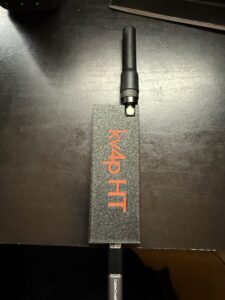
If you buy it like I did, there’s no assembly required, unless you consider screwing the antenna on and plugging in a USB cable assembly. You need to download the HT Android by kv6p from the PlayStore. Plug the cable into the HT and phone, start the app, and look to see if there’s a big red box at the bottom telling you that it can’t find the device. If you see that, don’t freak out, just reverse the cable and it should work. The end with the adapter (if yours is like that) connects to the kv4p. Yeh, the cable is directional. The app is simple, but not plain. I think it is attractive in a minimalist sort of way. It is very intuitive, one of the rare cases where you can open it up for the first time and start using it immediately.
Don’t.
Go up to the hamburger menu and do a firmware update. Those instructions I mentioned earlier? They talk about using a PC for FW updates, no mention of doing them in the app, but you can. They also said that it didn’t need an update, but it does or else it gets really erratic on if it wants to accept anything close to 144.00000 as a valid frequency. Update and problem is solved. Go into the settings and set up your callsign. This isn’t required for basic operation, but this little puppy does APRS beaconing and messaging, so if that is your jam, put in your callsign and suffix. There’s other settings that you would expect to find in an actual radio as far as roger beep, preamble, tail elimination, etc. You can set your lower\upper frequency limits for the band. The 70cm bands are in there so this backs up what I read about it supporting 440 if you flash it for 440. Exit out and you are ready to go on simplex. It will autolaunch the app moving foward when you plug the radio into the phone. Nice.
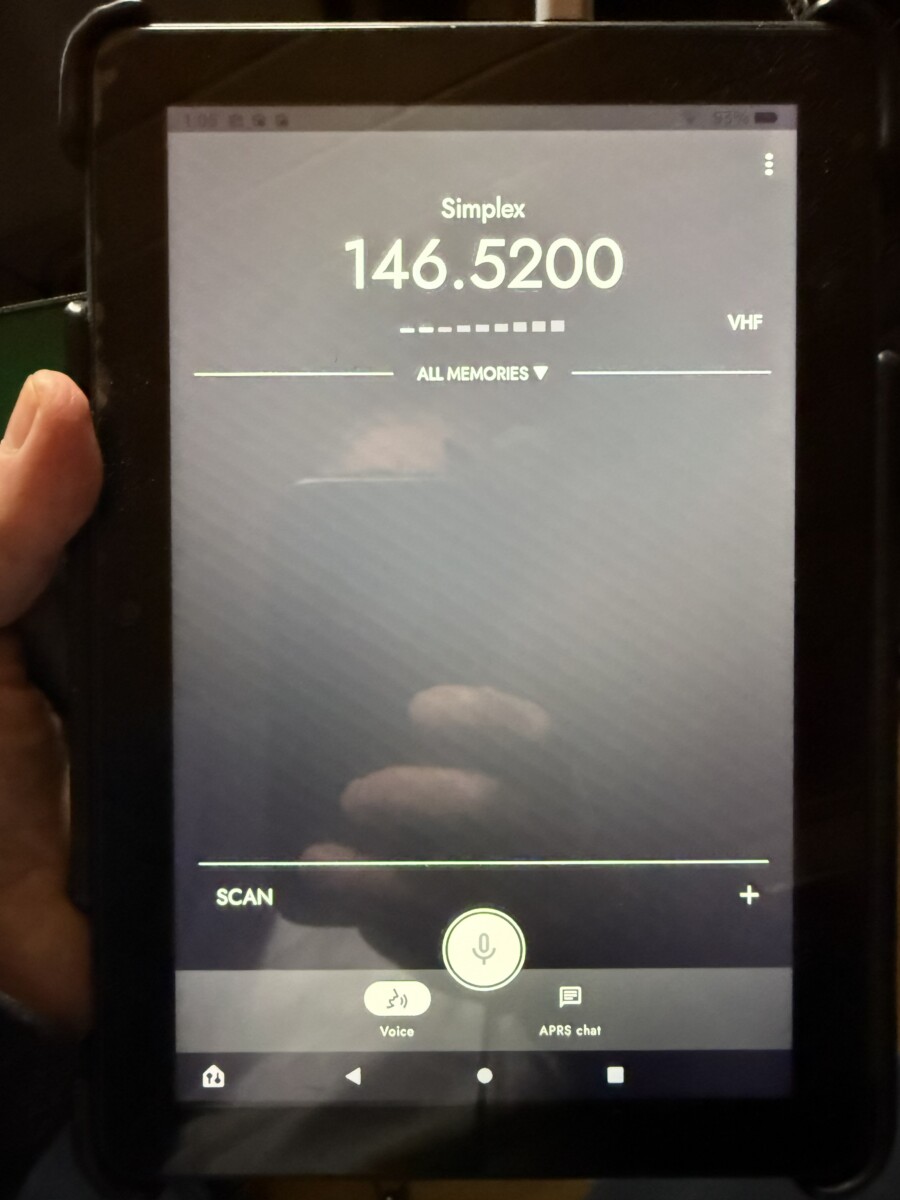
I say “on simplex” because there’s no way to input offset or CTCSS directly. You can change the frequency but it is only simplex operation. If you want to use it on repeaters, you can, just not by direct input. Tap the ALL MEMORIES and it brings up RepeatBook. You have to sign in with your RB account. Some people in reviews and comments have gotten butthurt over this. I’m not sure why, as you need a RP account to do any advanced exports. Anyway, punch in your creds and it automagically pulls in all your local repeaters based off your phone’s GPS coordinates. Slicker than using CHIRP.
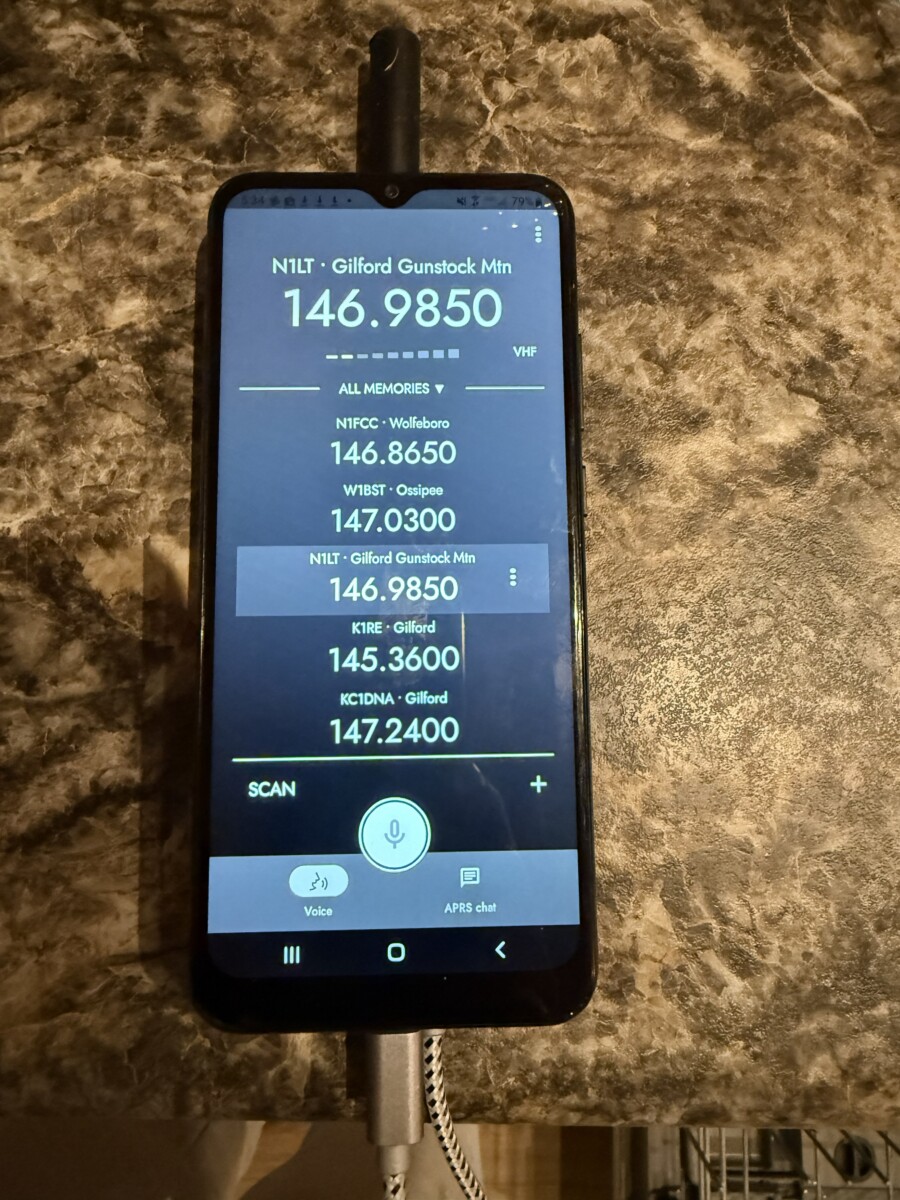
Instantly I was receiving traffic on 146.98500. a repeater about 30 miles away as the crow flies (about 45 miles by car, this is New England, direct routes are not allowed). I can only occasionally open that one up with a 5w HT so I didn’t bother with this 1w unit. I was able to open one about 23 miles closer, though no one was on it so I didn’t get a response. I did hear myself on my UV-25 Pro that I had next to me. It was a bit faint but clear enough to understand. Not too shabby. I connected my K5 Plus to my Surecom SR-112 Simplex Repeater in parrot mode, left it on the floor in my spare room\shack, slipped the phone\kv6p into the pocket of my sweats, tossed on my boots and parka, and trekked out into New Hampshire’s balmy March weather. Across the street from us is a small access road to one of the local recreational ponds. The shore of the pond is about 0.15 miles from the house and -60′ or so elevation, from there I got a clear response from the repeater. Back to the house, grabbed Fiona the Frenchy, and we went for a walk up the road. She hates her coat, btw.
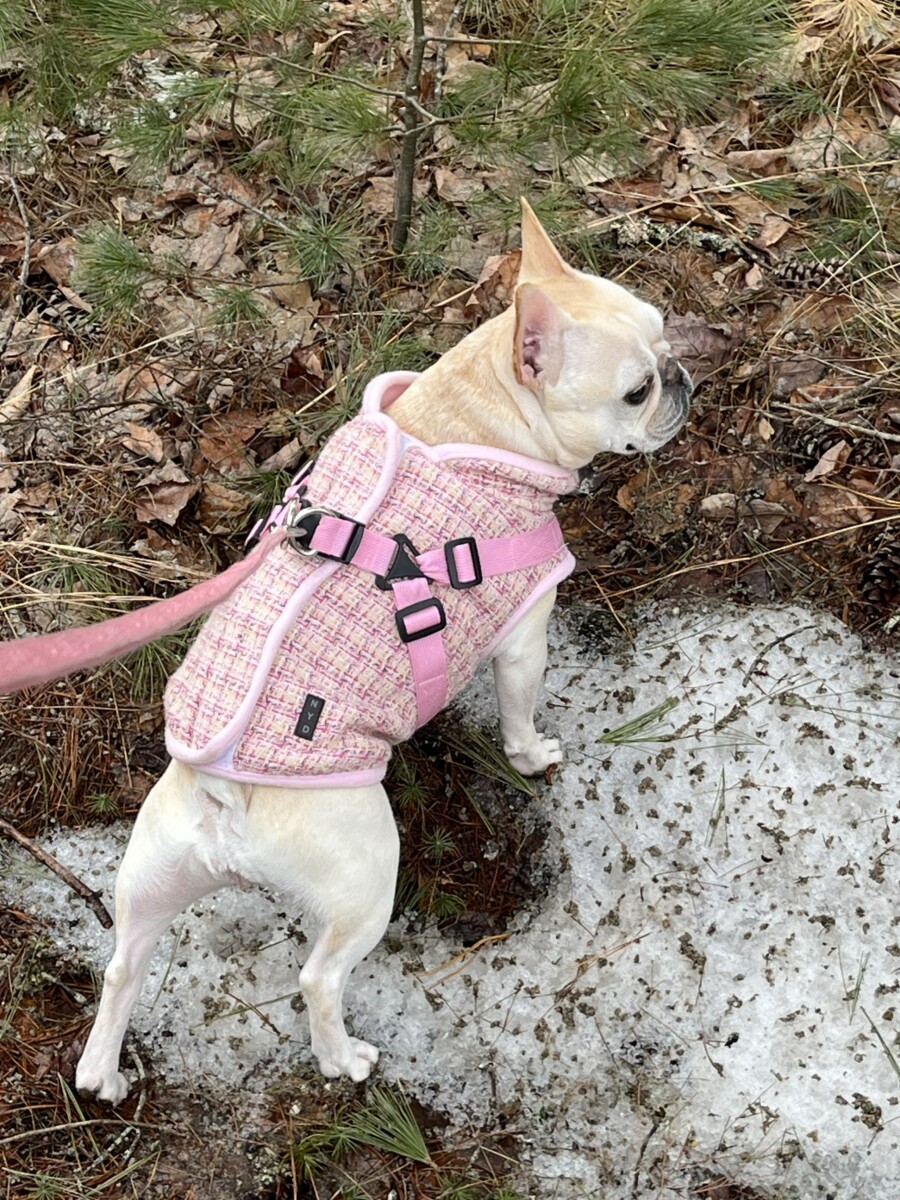
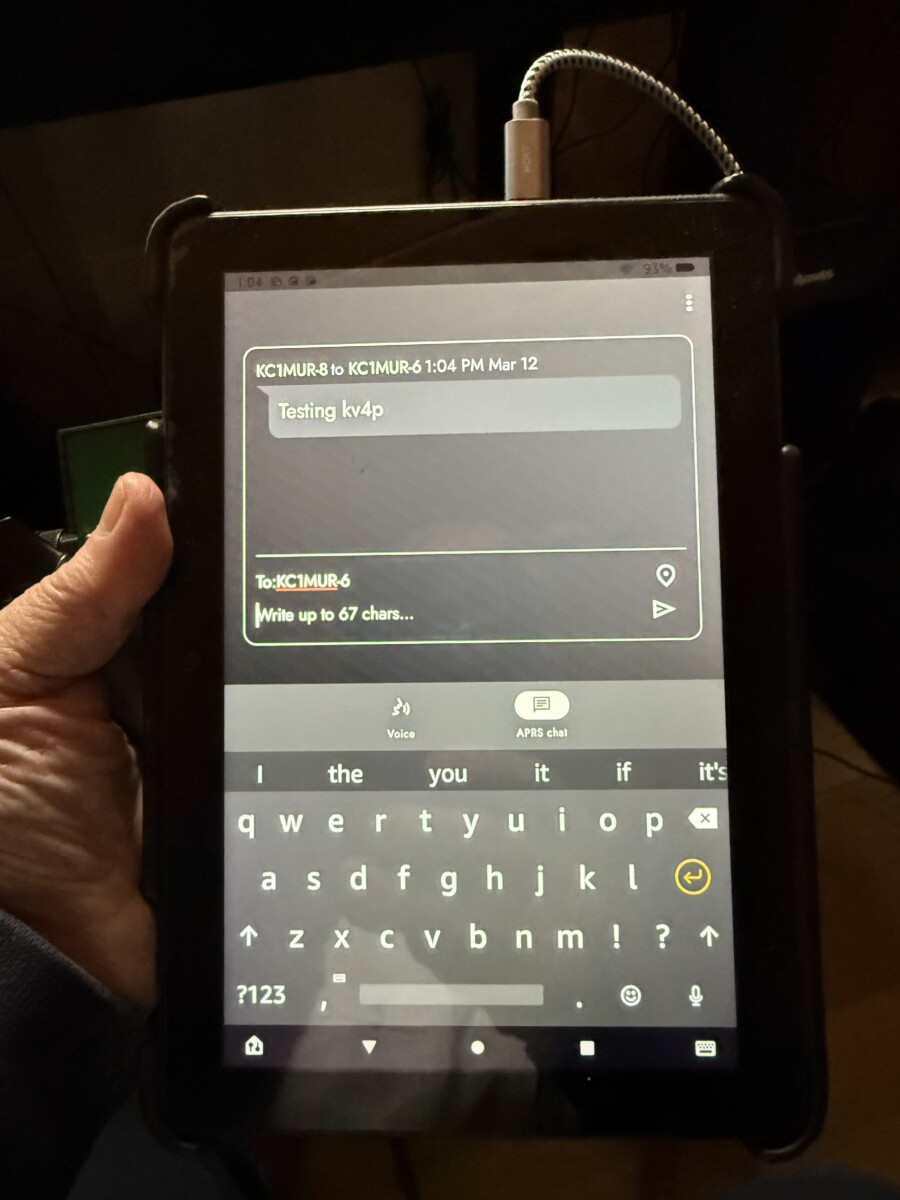
This would be a good test of this little unit. While we only went about 3/4 of a mile up the road, we were on the other side of a large hill at our destination. I could still send and get a response from the Surecom. It wasn’t great, but readable. Considering this is basically doing FM QRP with an antenna the size of my thumb, in rural, heavily forested NH, I’m not disappointed. As a bonus, about a mile radius around our house is a cell dead spot now that they killed 2/3G so if I dropped my iPhone with its satellite capabilities and broke it, I could still get a message to the wife – who has less than zero desire to listen or use a radio – in a pinch. How? I’m so glad you asked! APRS. This has not only beaconing, but native APRS messaging. Using APRS-SMS, boom, I can text her. And it does work at this distance. I have an iGate\digipeater setup in the same room as that simplex repeater is sitting. I use it for coverage around the pond mentioned above. Not only when I got back and checked APRS.fi did I see my tracks, I was able to send and receive messages while away. If I was to say there is a feature missing, that would be map integration. I haven’t tried to see if this would work with APRSDriod but that is on my list of things to do. Unfortunately, my to-do list is rather lengthy.
I went into this purchase thinking this was a novelty, a toy, something to look at and say “that’s a cool concept” and accept reality that the execution falls short.
I was wrong.
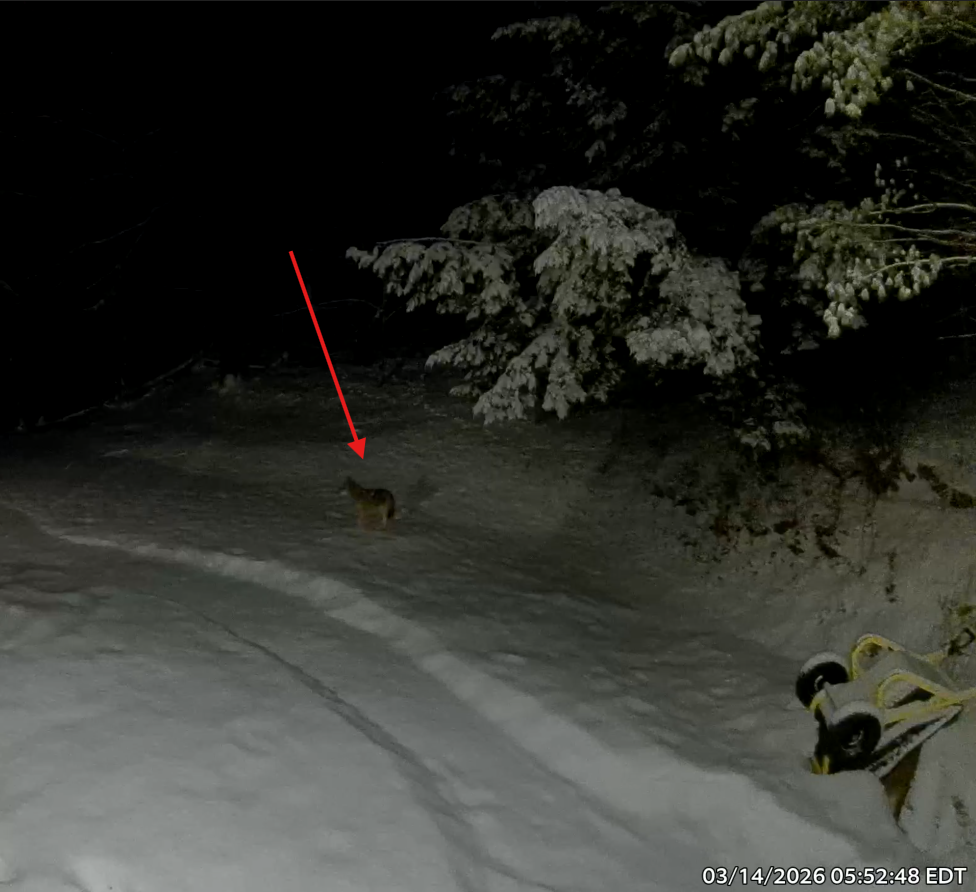
This works as promised. It ticked above my expectations, that rarely happens. I see many uses for this that at the price point makes it a solid purchase for me. I can bring it with me when I don’t feel like strapping a radio on me or carrying one is a bit to conspicuous. I can use this walking the Potato and keep my hands more free in case of coyotes (that isn’t hyperbole, they have been quite active and brave this spring. Brave enough to come into the yard, Fiona is all of 17lbs, that’s snack sized to Wiley). I do walk her strapped as well as bear spray and a lovely telescoping baton, not having to think about navigating around a radio and antenna in a pinch drops a little stress. That’s not a stray German Shepard in my backyard.
I’ve found it quite useful for some testing inside the house. No fear of overpowering the other radio’s front end with this thing. At an outing or urban setting, this could be convenient. The one drawback is it does cut the phone battery life by a bit. In my case about 35% but the Samsung is old, isn’t a great phone anyway, and struggles just unlocking the screen on a good day so I cannot really say what you might experience. I’m an iPhone user for daily carry. Probably best to keep outings short when using this with APRS beaconing or frequent TX. That, or just make sure you have a way to charge your phone with you. You can build one yourself or purchase one from Alliexpress, Walmart, Bangood, or Amazon.
Scott – KC1MUR

Author: Scott - KC1MUR
General class operator
No responses yet